RFID library tags are not just small labels inside books. They must work with catalog records, self-checkout stations, security gates, return systems, handheld inventory readers, and the physical materials in a library collection.
For most book and archive projects, the practical choice starts with 13.56 MHz HF tags that support ISO/IEC 15693 or the chip family required by the library system. After that, buyers need to confirm label size, adhesive, memory, AFI/EAS security behavior, encoding format, placement, and sample performance on real books. A good supplier should help you test before production, not only quote a label size.
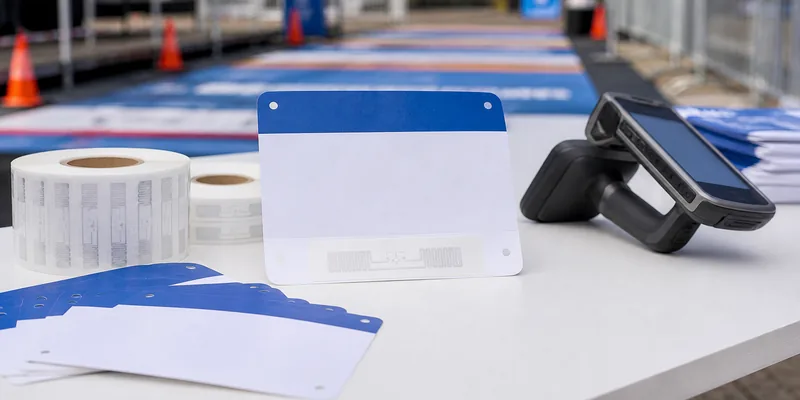
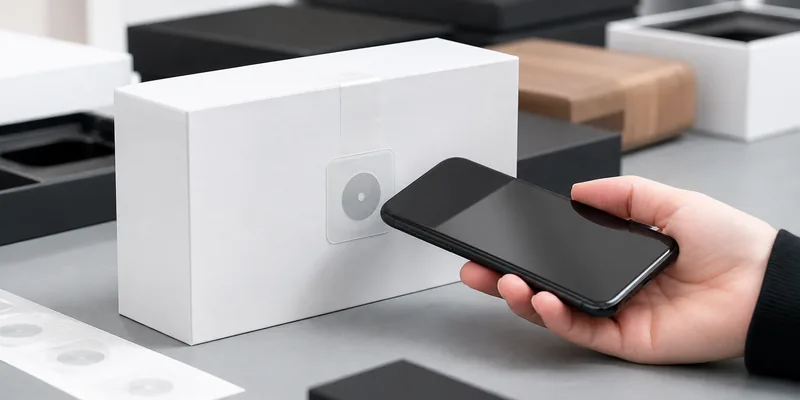
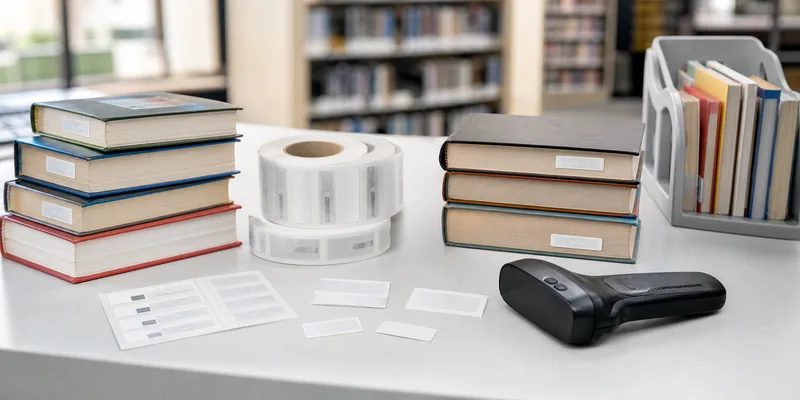
RFID library tags are adhesive RFID labels used to identify and manage books, files, archives, discs, and other circulating materials. A reader can detect the tag without scanning a barcode line by line, which supports faster check-in, check-out, shelf reading, inventory, sorting, and security workflows.
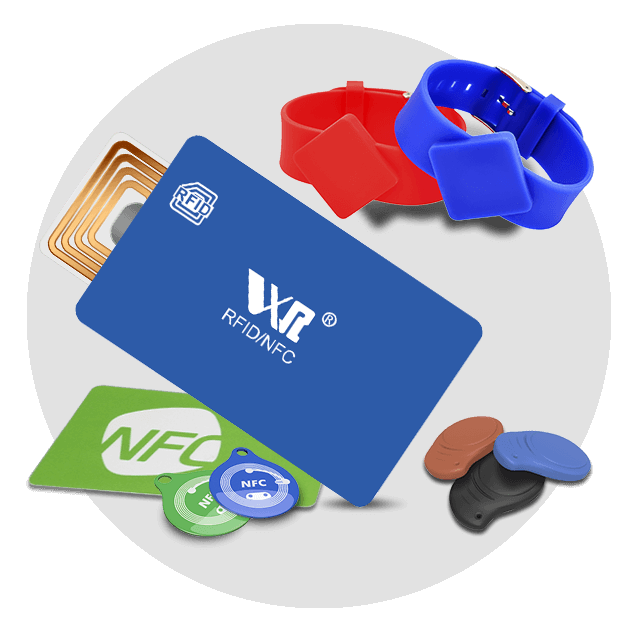
WXR's Library RFID Tags page lists library-specific formats such as UHF inlay stickers and ICODE SLIX 13.56 MHz stickers for book management. For many library projects, the buyer's first question is not "Which tag is cheapest?" It is "Which tag will work with our existing library hardware and data model?"

Start With the Library Workflow
Before comparing RFID book tags, define the workflow. A public library replacing barcodes may need self-checkout, return-bin reading, anti-theft gates, and staff inventory. A university archive may care more about item identification, compact placement, and careful handling of rare materials. A school library may need a simple, durable label that works with a small desktop reader.
Use this checklist before you request a quote:
| Decision Point | What to Confirm | Why It Matters |
|---|---|---|
| Library system | Existing reader, security gate, self-checkout, and software requirements | The tag must be compatible with the system already installed |
| Frequency and protocol | HF ISO/IEC 15693, UHF, or another required format | Frequency affects read behavior, gate design, and system compatibility |
| Chip | ICODE, memory size, AFI/EAS support, lock features | Chip choice affects encoding, security, and future changes |
| Label size | Standard book label, narrow spine label, disc label, archive folder label | Antenna size and placement affect reading |
| Adhesive and face material | Paper, PET, anti-tamper, printable face, removable or permanent adhesive | Different collections need different durability and removal behavior |
| Encoding | Barcode number, item ID, library data model, AFI/EAS status | Data must match the library database and circulation rules |
| QC and packing | Serial ranges, readback file, batch labels, replacement samples | Installation teams need traceability during conversion |
Choose the Frequency and Protocol Carefully
Many library RFID systems use HF tags at 13.56 MHz because HF works well for book labels, shelf reading, and item-level library workflows. ISO/IEC 15693 is a common vicinity-card standard in this area, and chips in the ICODE family are often associated with library labels.
That does not mean every library should automatically buy the same chip. Check your reader, gate, and software documentation. Some systems require a specific chip family, memory layout, AFI setting, or EAS behavior. Others are more flexible but still need a tested data model.
If your project is still at the design stage, compare 13.56MHz RFID tags with other RFID formats before ordering labels. UHF may be useful in some archive or bulk-reading scenarios, but it is not a direct replacement for an HF library system unless the whole hardware and software workflow supports it.
Understand ICODE, AFI, EAS, and Memory Requirements
Library buyers often see terms such as ICODE SLIX, ISO 15693, AFI, EAS, DSFID, UID, and user memory. These are not decoration on a data sheet. They decide whether the tag can be encoded and used correctly in the circulation workflow.
NXP describes ICODE SLIX as a smart-label IC based on ISO/IEC 15693 and ISO/IEC 18000-3, with features such as anti-collision, EAS, AFI, DSFID, and user memory. For a buyer, the practical question is whether the selected library software can write and read the expected fields. Do not approve a tag only because the label says "ISO 15693."
Ask the supplier and system vendor:
- Which chip model does the installed system support?
- Is AFI used for application filtering or security behavior?
- Does the project need EAS functionality at security gates?
- What data is written to user memory, and what remains in the library database?
- Should memory blocks, AFI, or EAS be locked after encoding?
- Can the supplier provide a readback file for encoded batches?
WXR's I Code Slix page is a useful internal product reference when the project requires this chip family.
Match the Label to the Collection
An RFID tag that works in one book may fail in another if placement and materials are ignored. Large hardcover books, thin paperbacks, children's books, media cases, archive folders, and metalized covers behave differently.
For ordinary books, buyers usually want a thin adhesive label that can be placed inside the cover or another protected area. For CDs, DVDs, or unusual media, do not assume a standard book label is appropriate. For archive folders, confirm whether the label must survive handling, storage conditions, dust, or repeated movement between shelves.
Pay attention to:
- Label dimensions and antenna size.
- Face material and print surface.
- Adhesive strength and aging behavior.
- Whether the label should be hidden, visible, or printable.
- Placement instructions for staff during conversion.
- Whether barcode, QR code, or human-readable item numbers must be printed.
If the tag also needs custom printing or label conversion, WXR can compare RFID stickers and labels and RFID inlays before the final format is chosen.
Test Samples With Real Books and Readers
Sample testing is the part buyers skip when the deadline is tight. It is also where most expensive mistakes can be found early.
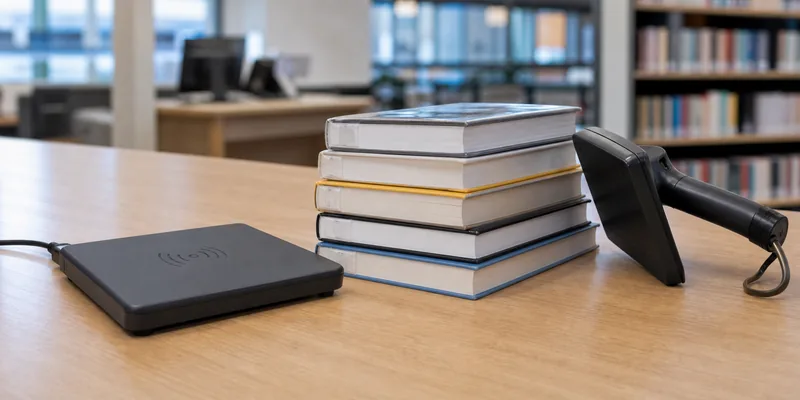
Test the same construction you plan to order, not just any library RFID tag. Use the final chip, label size, adhesive, encoding method, and placement. Then test with the actual desktop reader, self-checkout station, security gate, return equipment, and handheld reader whenever possible.
A practical sample test should include:
- Single-item reading on books with different thicknesses.
- Multiple-book reading in a small stack.
- Shelf-reading from normal staff angles.
- Security gate behavior if EAS is used.
- Check-in and check-out with real catalog records.
- Placement tests on paperbacks, hardcovers, media cases, and archive folders.
- Readback verification after encoding and optional locking.
Do not treat the highest observed read distance as the specification. Real performance depends on reader power, antenna design, tag orientation, book material, neighboring tags, and software settings. For a broader explanation of read variables, WXR's guide to RFID read range testing is a useful companion.
Control Encoding, Conversion, and Batch QC
In library projects, a physical tag and a catalog record must match. If the encoding file is wrong, the label may look perfect and still cause circulation errors.
Before production, define the item identifier, barcode relationship, data model, chip memory fields, AFI/EAS settings, serial range, and lock rules. Confirm whether encoding is done by the supplier, by the system integrator, or by library staff during conversion. If the supplier pre-encodes tags, request a readback file and clear packing labels.
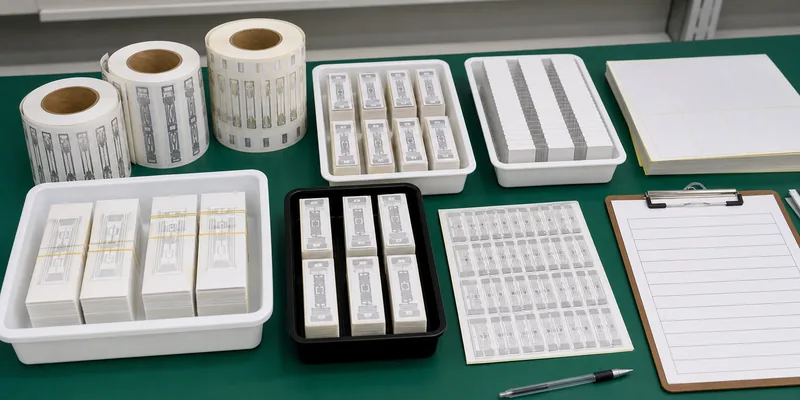
Useful QC requirements include:
- One approved reference sample for each label type.
- Random read checks from the finished batch.
- Separated packing by branch, collection, chip, or serial range.
- A rejected-tag handling plan.
- Extra labels for field replacement.
- Clear instructions for storage and installation staff.
For custom production, provide WXR with the chip requirement, label dimensions, artwork, encoding file structure, packing rules, and target hardware. If any field is uncertain, request samples first and confirm with the software or hardware vendor before mass production.
The most common mistake is buying "library RFID labels" without checking the installed system. Similar-looking labels may use different chips, memory, or security behavior.
Other mistakes include placing tags where readers cannot detect them reliably, ignoring media cases and archive materials, ordering printed labels before the data structure is approved, and treating EAS as a generic feature rather than a system-specific function. Another risk is mixing branches, item ranges, or collection types in unlabeled bags during conversion.
Good procurement is boring in the right way: define the system, test the sample, approve the data, then order the production batch.
How WXR Can Support Library RFID Tag Projects
WXR can help compare HF library labels, ICODE-based stickers, RFID inlays, printed labels, and custom packing options for book and archive projects. The right recommendation depends on your library system, reader hardware, item types, encoding rules, and installation plan.
If you are planning a conversion project, send WXR your reader model, software requirement, chip specification, label size, sample book types, print artwork, encoding file, quantity, and packing plan. You can contact WXR to request sample tags before a bulk order.
FAQ
Many library book-label projects use 13.56 MHz HF tags, often with ISO/IEC 15693-compatible chips. Always confirm the requirement with your reader, gate, and library software vendor.
ICODE SLIX and related ICODE chips are commonly associated with smart-label and library applications, but compatibility depends on the installed system, data model, AFI/EAS settings, and encoding process.
RFID can support faster check-in, check-out, inventory, and security workflows, but many libraries still keep printed barcodes or human-readable numbers for backup, migration, or manual handling.
Placement depends on label size, reader setup, book material, and library policy. Test placement on real paperbacks, hardcovers, media cases, and archive folders before setting conversion instructions.
Pre-encoding can save conversion time if the data file is correct and the supplier provides readback verification. If the data model is not final, test blank or sample-encoded tags first.