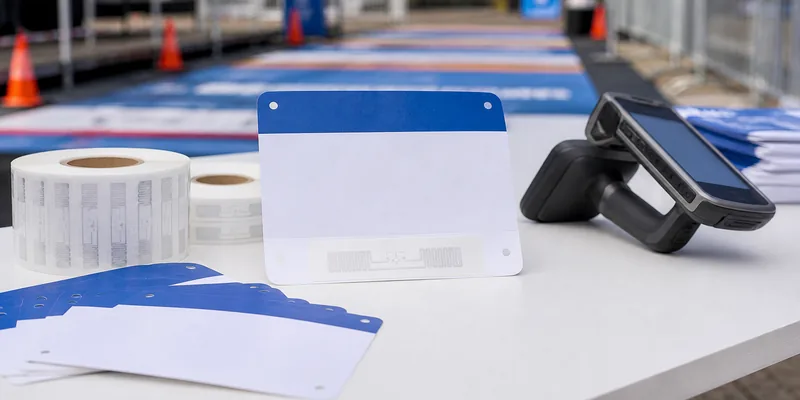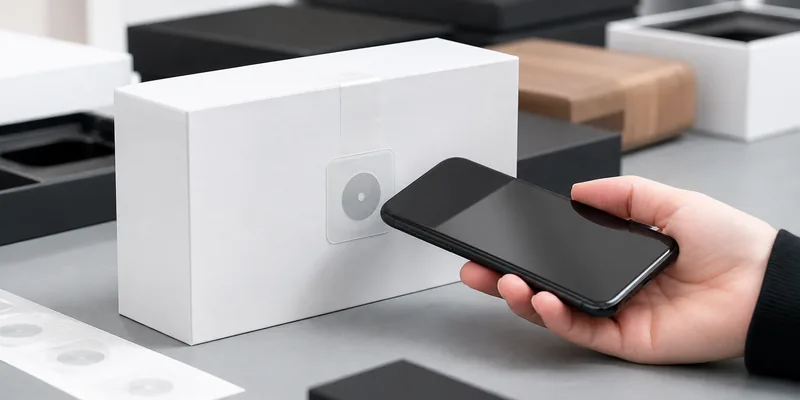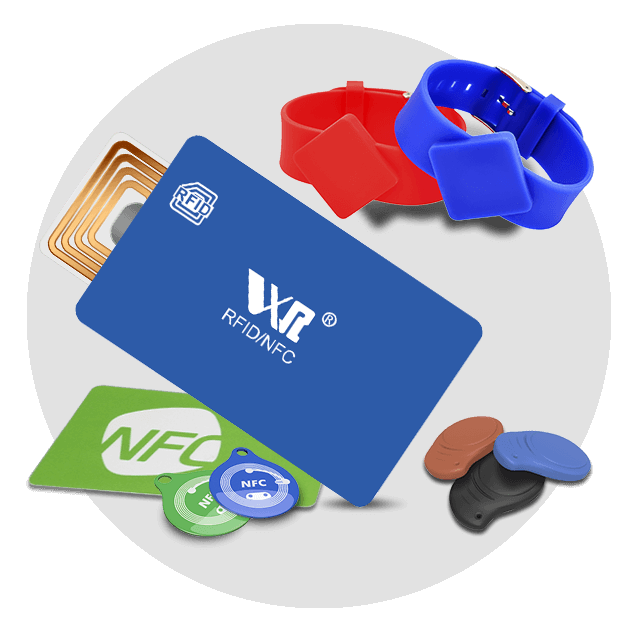
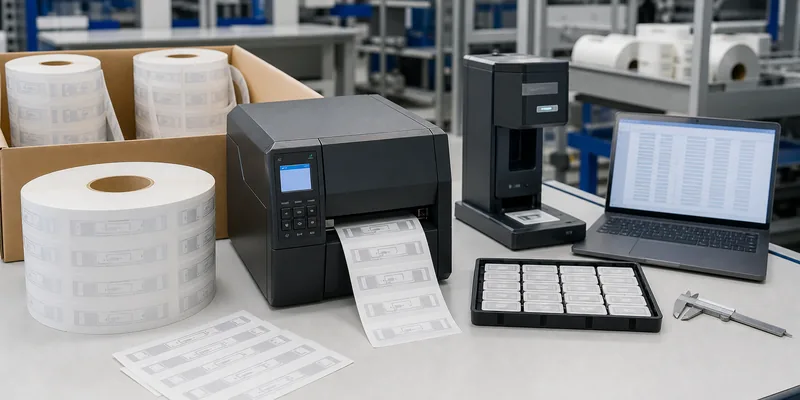
RFID label printing and encoding is where a simple RFID sticker becomes a usable business credential. The label must look right, scan correctly, match the database, survive handling, and arrive in a roll format that works with the buyer’s packing line, printer, or tagging team. If one of those details is missed, the label may still be physically fine but operationally unusable.
For most procurement teams, the right question is not only “Can you print our RFID labels?” A better question is: “What artwork, chip, memory data, roll specification, quality check, and sample test should be confirmed before bulk production?” This checklist is written for distributors, system integrators, retail suppliers, logistics teams, and project buyers preparing printed and encoded RFID labels for real deployment.
Quick Answer: Treat Printing and Encoding as One Controlled Data Workflow
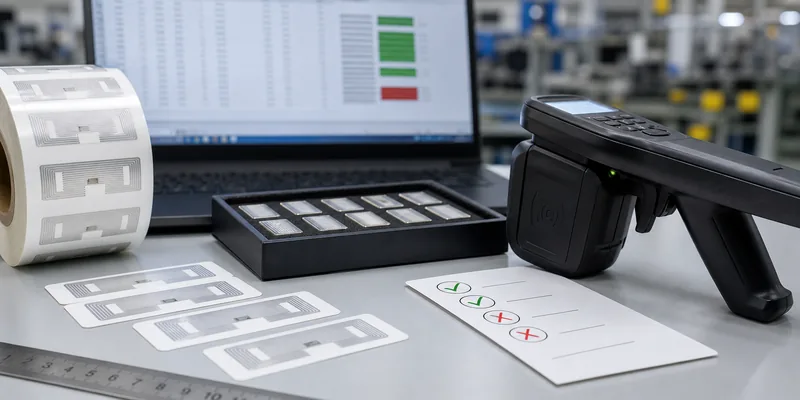
Printed RFID labels should be specified as a matched set: physical label, RFID inlay, visible print, encoded data, roll format, and verification method. The printed number, barcode, QR code, or human-readable ID should connect cleanly with the RFID value stored in the chip, such as an EPC, UID-linked record, or project-specific serial number.
If the label will be used for UHF inventory, logistics, apparel, tools, cartons, bins, or returnable assets, start by choosing the correct RFID stickers and labels or RFID inlays. Then confirm the encoding file before mass production. Printing without a data plan creates rework. Encoding without a placement and verification plan creates field failures.
What Buyers Should Prepare Before Requesting Printed RFID Labels
A useful RFQ gives the supplier enough information to recommend the right label construction instead of guessing from a product name. Before contacting WXR or another RFID label supplier, prepare these details:
- Application: carton tracking, apparel source tagging, pallet logistics, asset tracking, library, jewelry, vehicle, laundry, or another workflow.
- Surface: cardboard, plastic, glass, textile, painted metal, bare metal, liquid-filled packaging, curved surface, or mixed materials.
- Frequency and reader: LF, HF/NFC, or 860-960MHz UHF RFID tags, plus reader model and region when known.
- Chip and memory: chip family, EPC length, User memory requirement, UID/TID use, locking rules, and any access password requirement.
- Label dimensions: finished size, antenna size limits, pitch, liner width, roll core, winding direction, and maximum roll diameter.
- Printing: logo, text, serial number, barcode, QR code, color, material finish, lamination, and whether the label must remain scannable after printing.
- Encoding data: starting number, EPC rule, database file, duplicate prevention rule, visible-to-encoded matching rule, and rejected-label handling.
- Testing plan: sample quantity, real surface, reader position, target workflow, acceptable read behavior, and approval method.
Printing Options: Blank Labels, Preprinted Labels, or Print-and-Encode Service
RFID labels can be supplied in several ways. The best option depends on the buyer’s equipment, staff, data control process, and rollout volume.
| Option | Best fit | What to confirm | Main risk if skipped |
|---|---|---|---|
| Blank RFID label rolls | Buyers with their own RFID printer/encoder | Roll size, liner, inlay position, printer compatibility, encoding test | The roll fits poorly or the printer cannot encode consistently |
| Preprinted RFID labels | Projects where visual design is fixed but encoding is handled later | Artwork, print durability, chip area, label pitch, roll direction | Printing damages the inlay or leaves no room for later marking |
| Printed and encoded RFID labels | Rollouts needing ready-to-apply labels | EPC file, serial matching, read-after-write QC, rejected-label policy | Visible IDs and RFID data do not match the system database |
| Custom converted labels from inlays | Special size, adhesive, surface, or packaging needs | Inlay choice, adhesive, face stock, die cutting, sample approval | A label that works electrically fails mechanically in the field |
Encoding Details That Should Be Decided Early
Encoding is not a final clerical step. It affects label identity, software import, duplicate prevention, and replacement handling. For UHF projects, many systems use EPC memory as the operational identifier. If the buyer is unsure what this means, review WXR’s guide to EPC memory on an RFID tag before preparing the file.
Do not assume the tag should store every business detail. In many projects, the RFID tag stores a stable ID while the software stores the changing record: SKU, carton status, asset owner, service history, or shipment event. This is usually easier to maintain than rewriting tag memory every time a process changes. If authentication or traceability is part of the project, also discuss whether the system needs the chip’s factory identifier; WXR’s TID memory guide explains why TID is different from writable memory.
Before approving production, decide whether tags should remain rewritable, be locked after encoding, or use an access password. Rewritable tags can support corrections and pilots, but locked tags may be better when the encoded identity must not be changed in normal use. For the practical tradeoff, see whether RFID tags can be rewritten.
Sample Testing: Check the Label, the Data, and the Workflow
A desktop read test is useful, but it is not enough. RFID labels should be tested on the real item or a close physical substitute. Surface material, nearby liquid, metal, curves, package seams, reader antenna angle, and label orientation can change performance. A buyer testing carton labels should test on filled cartons, not loose labels. A buyer testing apparel labels should test on the hang tag or polybag position that operators will actually use.
For printed and encoded rolls, sample approval should include these checks:
- Readable print: logo, serial number, barcode, or QR code remains clear after handling.
- RFID read: the sample reads with the buyer’s reader in the expected orientation and distance range.
- Data match: the visible number, encoded value, and database row match the same item.
- Duplicate check: no repeated EPC or serial values appear in the supplied file.
- Rejected-label rule: any failed labels are marked, removed, or replaced according to the buyer’s process.
- Application test: adhesive, bending, liner release, and operator placement work in the actual tagging process.
Roll and Packaging Specifications Are Not Minor Details
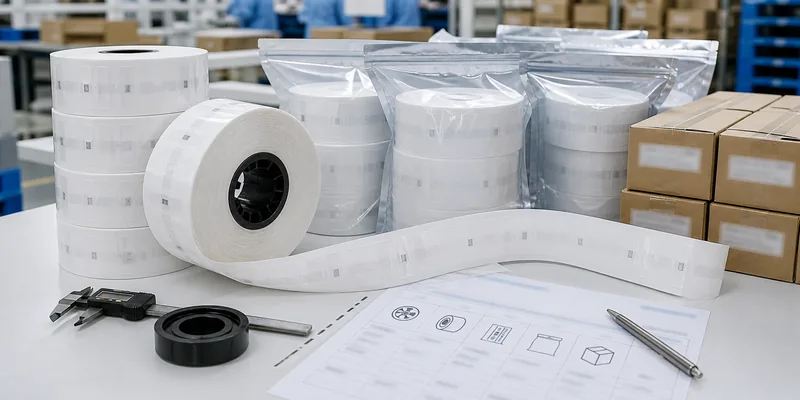
Many RFID label problems happen after the tag itself has passed the electrical test. A roll can be correct but still awkward for the buyer’s equipment. Confirm the core size, outside diameter, winding direction, label pitch, gap, liner width, and whether rolls need sequence labels on the outer package. If the buyer will feed labels into a printer, applicator, or production line, send the equipment model or media requirement before ordering.
Packaging should protect the rolls from pressure, moisture, deformation, and uncontrolled mixing. For serialized labels, carton labeling matters because operators may need to issue rolls in order. If the printed sequence and encoded sequence must stay aligned, ask for a packing list that identifies roll number, quantity, starting value, ending value, and any rejected or skipped numbers.
Common Mistakes When Ordering RFID Label Printing and Encoding
- Choosing by read range alone. A longer-read label may be too large, too sensitive, or unsuitable for the surface.
- Sending artwork before confirming chip placement. Heavy ink, cutting pressure, folding, or lamination near the inlay can create risk.
- Using visible serials that do not match encoded values. This creates slow receiving, exception handling, and software cleanup.
- Ignoring roll direction. The labels may be correct but unusable in the buyer’s printer or applicator.
- Testing one loose label only. Real items, neighboring products, and operator placement must be part of approval.
- Locking data too early. Locking can be useful, but only after the encoding rule has been verified.
How WXR Supports Printed and Encoded RFID Labels
WXR can help buyers compare RFID stickers, RFID inlays, UHF label formats, chip options, custom size, logo printing, serial or QR/barcode printing, data encoding, and sample testing. For a useful recommendation, send the application, surface, reader system, target frequency, label dimensions, artwork, encoded data rule, quantity, roll format, and test environment.
If your team is still choosing between a standard RFID sticker, custom converted label, printable UHF label, or fully printed and encoded roll, contact WXR with the project details. The goal is to approve a label that works electrically, mechanically, and operationally before mass production.
FAQ
Can RFID labels be printed with a logo, serial number, barcode, or QR code?
Yes, many RFID labels can be printed with brand artwork, serial numbers, barcodes, QR codes, or human-readable IDs. Confirm the label material, print method, chip position, and whether the visible value must match the encoded RFID value.
What data should be encoded into an RFID label?
Most projects encode a stable item ID, such as an EPC or project serial value, and keep changing business data in software. Confirm the required memory bank, data format, duplicate prevention rule, and locking policy before bulk encoding.
Should I order blank RFID rolls or printed and encoded labels?
Order blank rolls if your team has compatible printing and encoding equipment. Choose printed and encoded labels when you want ready-to-apply labels with controlled serial matching, read-after-write checks, and supplier-side quality control.
Why do RFID labels need sample testing before mass production?
RFID performance depends on the label design, item surface, reader, antenna, placement, orientation, and environment. Sample testing helps confirm that the printed and encoded label works in the buyer’s real workflow, not only on a desk.
What should I send WXR for an RFID label printing quote?
Send the application, surface, frequency, chip or memory requirement, label size, artwork, serial or EPC file, roll format, quantity, packaging needs, and sample-testing conditions. If a printer, reader, or software platform is already selected, include that information too.