Choose MIFARE DESFire cards when an access control project needs stronger application-level security, more flexible file structure, multi-application use, or a migration path for higher-risk doors. MIFARE Classic cards can still be useful for low-cost legacy systems when the installed reader platform only supports Classic, but buyers should confirm the security expectations, reader compatibility, encoding rules, and sample test results before placing a bulk order.
Access control buyers often ask for “MIFARE cards” as if it were one product. In practice, a card order can involve different chip families, memory sizes, printing materials, UID or sector encoding rules, and reader-side constraints. WXR supplies custom RFID cards, key fobs, and wristbands for access projects, so the important question is not only which chip sounds stronger. The practical question is which credential your reader, software, security policy, and rollout plan can actually support.
What are MIFARE DESFire cards?
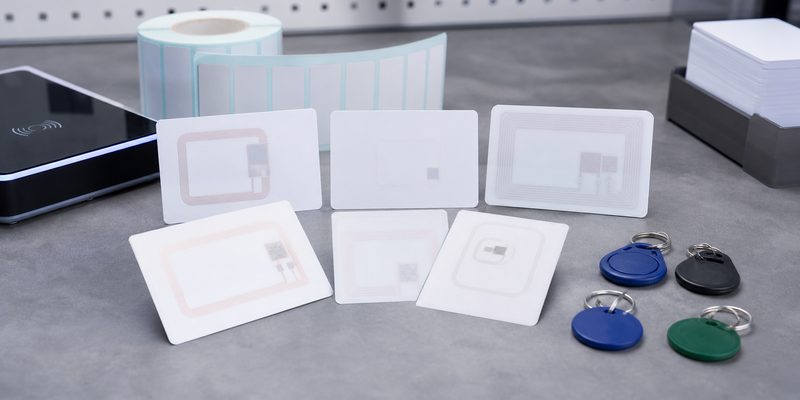
MIFARE DESFire cards are 13.56 MHz HF RFID smart cards used in access control, campus ID, transit, membership, and multi-application projects. Public chip documentation describes DESFire as an ISO/IEC 14443 Type A product family with options such as DES, 2K3DES, 3K3DES, and AES-based security, flexible files, and application-level access rights. For buyers, that usually means DESFire is considered when a project needs more than a simple serial-number credential.
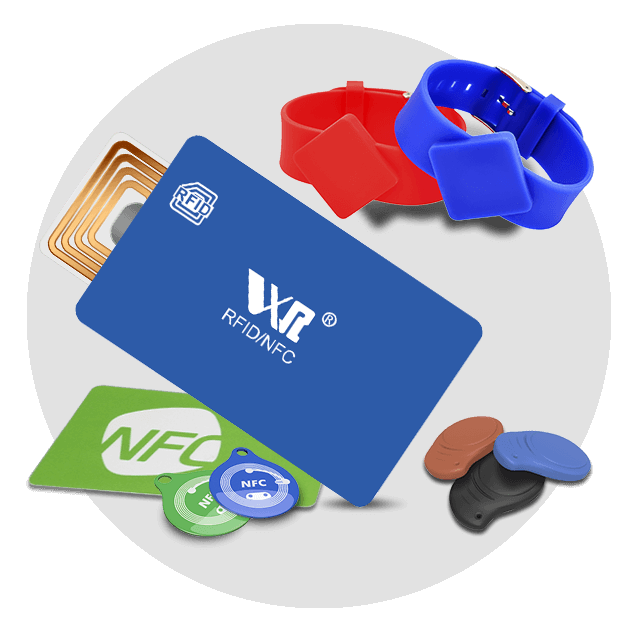
On the WXR site, the MIFARE DESFire 2K/4K/8K product cluster appears together with cards, key fobs, wristbands, and other form factors. That matters because chip choice and physical format are separate decisions. A hotel key card, staff ID card, epoxy key fob, and event wristband can carry different chips, but each format must still match the reader and software environment.
MIFARE Classic vs DESFire: the buyer-level difference
MIFARE Classic is widely used because many older access readers and low-cost systems support it. It is commonly requested for staff cards, member cards, hotel cards, ticket cards, and basic door credentials. However, many integrators now treat Classic as a legacy or compatibility choice rather than a default choice for higher-security projects.
DESFire is usually considered when the project needs stronger authentication, multiple applications on one credential, better privacy options, or more controlled key management. It may also be preferred when the access system vendor specifically requires DESFire EV1, EV2, EV3, or a defined memory size. The safest procurement rule is simple: do not upgrade the card chip before confirming reader firmware, access control software, key diversification, encoding workflow, and enrollment method.
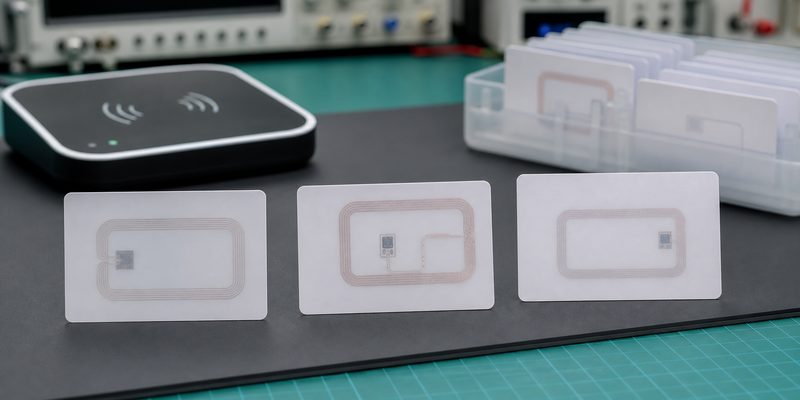
Comparison table for procurement
| Decision point | MIFARE Classic | MIFARE DESFire | What to confirm before ordering |
|---|---|---|---|
| Typical role | Legacy access, simple ID, low-cost cards | Higher-security access, multi-application credentials | Reader and software support, not only chip availability |
| Reader compatibility | Often supported by older 13.56 MHz readers | Requires compatible readers and system configuration | Exact reader model, firmware, card enrollment method |
| Security model | Usually selected for compatibility and cost | Supports stronger application-level controls depending on configuration | Whether the system uses UID only, sectors/files, keys, or secure applications |
| Memory planning | Commonly 1K or 4K variants | Commonly 2K, 4K, or 8K variants, with other options depending on chip generation | Data fields, application count, encoding map, future expansion |
| Migration fit | Useful when the installed base cannot change | Useful when upgrading security or adding applications | Pilot schedule, mixed-card operation, staff reissue plan |
| WXR format options | Cards, key fobs, wristbands, and ticket formats depending on project | Cards, DESFire key fobs, wristbands, and custom formats depending on chip availability | Card body, printing, UID/serial/QR printing, packaging, encoding file |
When should you choose DESFire for access control?
Choose DESFire when the access control system already supports it or when the project owner is actively upgrading the credential security model. Typical examples include corporate offices, campuses, labs, government facilities, premium gyms, staff-and-payment cards, or sites that want one credential for door access plus other internal services.
DESFire is also worth discussing when an integrator asks for controlled application files instead of simply reading a card UID. If the system only reads the UID, a DESFire card may not deliver the expected security benefit. In that case, the bottleneck is the system design, not the card body. Buyers should ask the software or reader vendor exactly what data is read during door authentication.
When can MIFARE Classic still make sense?
Classic can still be practical when the site has a large installed base of compatible readers, a tight replacement budget, and low-risk doors where the access platform only accepts Classic credentials. In that situation, forcing DESFire may create operational problems if the reader cannot enroll or authenticate the card.
That does not mean every legacy order should stay unchanged. If the site is replacing readers, issuing credentials to a larger user group, or adding payment, attendance, visitor management, or mobile credential plans, it is a good time to compare MIFARE Class 1K, DESFire, MIFARE Plus, and other 13.56 MHz RFID tags with the system vendor.
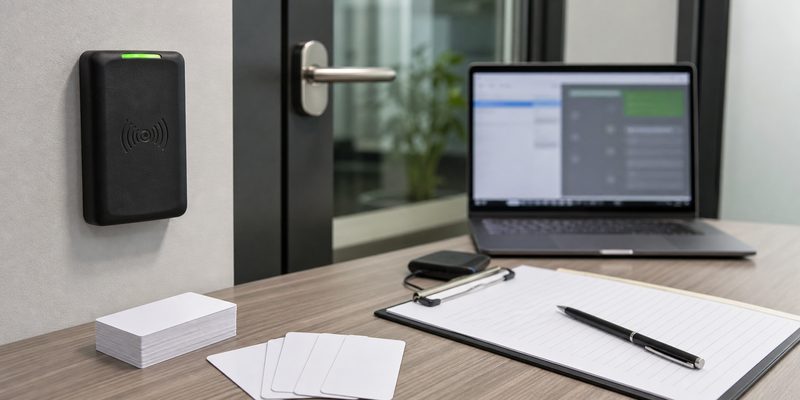
Specification checklist before requesting a quote
A useful RFQ should tell the manufacturer more than “we need MIFARE cards.” For access control RFID tags, prepare these details before asking for samples:
- Card format: PVC card, PET card, epoxy key fob, wristband, wooden card, metal card, or another credential type.
- Chip requirement: exact chip family, memory size, UID type, and whether substitutions are allowed.
- Reader environment: reader brand/model, frequency, supported protocols, and whether the system reads UID, sectors, files, or application data.
- Encoding file: UID list, card number format, sector or application structure, access keys, and whether data must be locked.
- Printing needs: logo, user name, photo, serial number, barcode, QR code, signature panel, magnetic stripe, or matte/gloss finish.
- Operating conditions: indoor or outdoor use, wallet use, door reader distance, cleaning exposure, bending risk, and expected credential lifetime.
- Sample test plan: how many samples, which readers, which doors, enrollment steps, rejection criteria, and who signs off before mass production.
Sample testing: do this before bulk production
Before approving thousands of cards, test a small batch on real doors and with the real enrollment workflow. Do not test only with a desktop reader unless desktop enrollment is the whole use case. A good pilot checks card read consistency, door unlock speed, anti-passback behavior, software record matching, printed number matching, and whether replacement cards can be issued without confusing the access database.
If DESFire is required, confirm that the integrator can provide the correct application and key instructions. If the buyer does not control the keys, WXR should not guess the encoding map. The practical path is to ask the access system vendor for a sample encoding specification, then use WXR samples to confirm the card body, chip, printing, and read behavior before production.
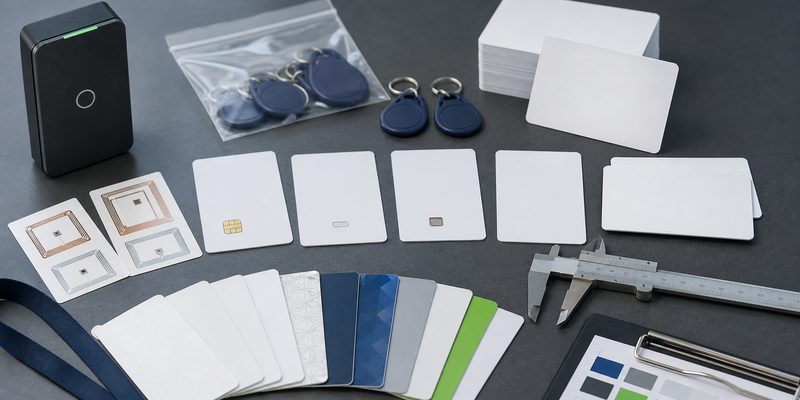
How WXR can support a custom RFID card project
WXR can help buyers compare RFID cards, key fobs, and wristband credentials based on chip, material, printing, encoding, and packaging requirements. For card projects, share the application, reader system, chip requirement, design file, quantity, encoding needs, and sample test conditions. If you are not sure whether to order Classic or DESFire, send the reader model and current card information first, then request samples for validation.
For background reading, buyers can also review WXR’s guide on what an RFID card is and the earlier article on how to choose an RFID MIFARE chip. When the specification is ready, contact WXR with the project details so the team can recommend a card format and sample plan.
FAQ
Are MIFARE DESFire cards always better than MIFARE Classic cards?
Not always. DESFire can support stronger and more flexible access designs, but it only helps when the reader and software are configured to use those features. If a legacy system only supports Classic, compatibility may decide the short-term order.
Can WXR encode DESFire cards before shipping?
WXR can discuss encoding requirements, but DESFire projects need a clear encoding specification from the access system owner or integrator. Buyers should not ask the manufacturer to guess keys, files, or application settings.
Which memory size should I choose for DESFire cards?
Choose memory based on the number of applications, files, and data fields required by the access system. For simple access, a smaller memory option may be enough; for multi-application cards, confirm the required structure with the integrator.
Can I use the same printed card design with different chips?
Often yes, if the antenna and chip package fit the card construction. Confirm chip availability, card thickness, printing method, and sample read performance before approving mass production.
What should I test before approving bulk RFID access cards?
Test the sample cards on actual doors, with the real enrollment software, reader settings, user permissions, and printed card numbering. Check failure cases such as duplicate records, lost-card replacement, and mixed old/new card use.