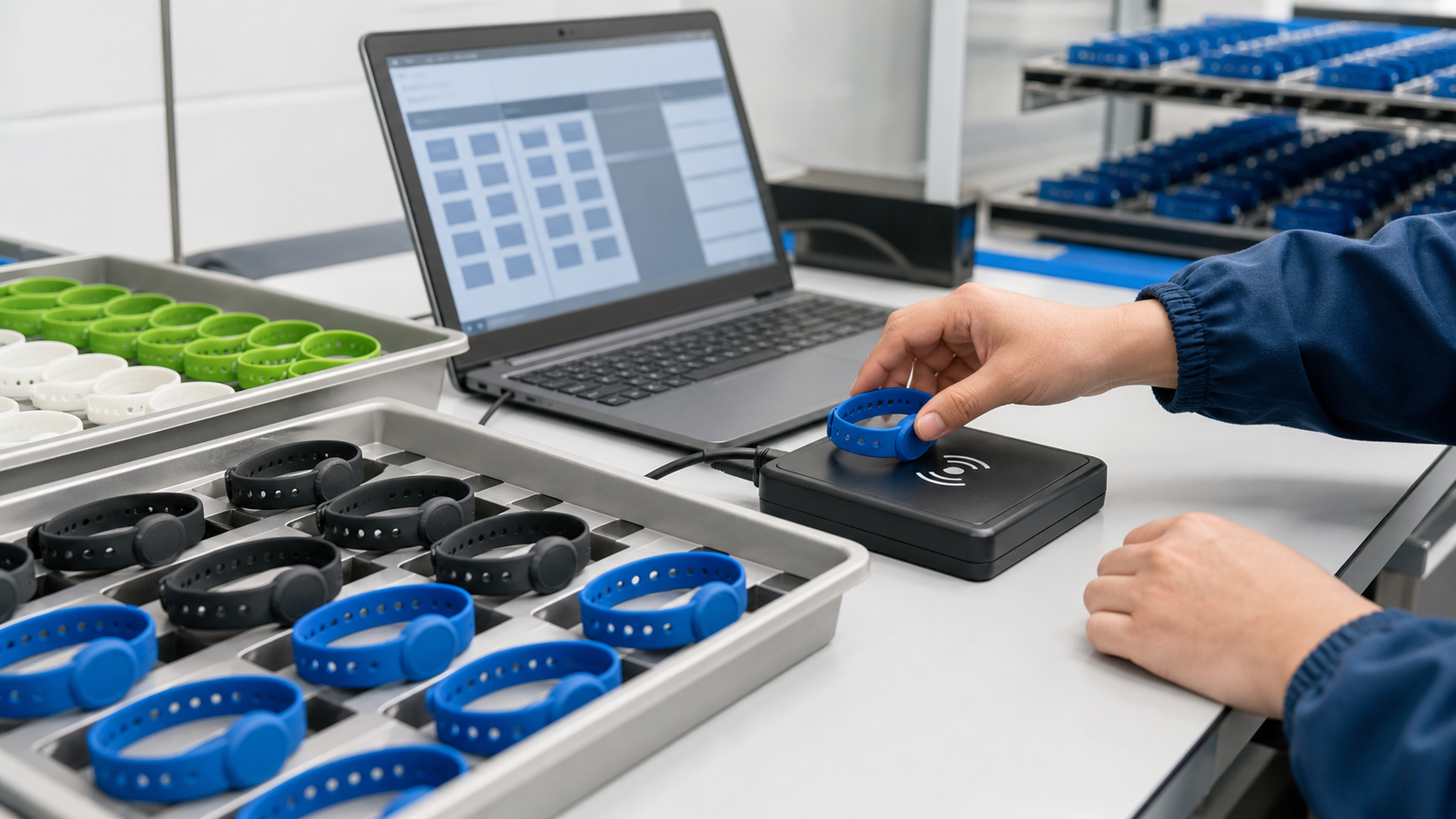
Bulk encoding RFID silicone wristbands is not just placing a wristband on a reader and clicking “write.” A reliable process starts with the right chip, a clean data file, compatible software, controlled tag handling, and a verification record.
For events, gyms, spas, hotels, hospitals, amusement parks, and access-control projects, every wristband should match the correct user, serial number, URL, access level, or account before deployment. This guide explains how to prepare, encode, verify, and hand off RFID silicone wristbands in bulk.
Quick Answer: What Does Bulk Encoding Mean?
Bulk encoding means writing planned data to many RFID wristbands in a controlled sequence, then reading each wristband back to confirm it is correct. The data may be an NFC URL, membership ID, access credential, EPC number, User memory value, or database reference.
A safe workflow is simple: confirm the chip, prepare one clean CSV row per wristband, write one controlled record at a time, verify the read-back value, lock or secure data only after testing, and keep UID, printed number, and encoded value mapped in one file.
Step 1: Confirm the RFID Chip and Frequency
The encoding method depends on the chip inside the silicone wristband. A reader for one frequency cannot program every wristband type.
| Wristband type | Common chips | What can usually be encoded |
|---|---|---|
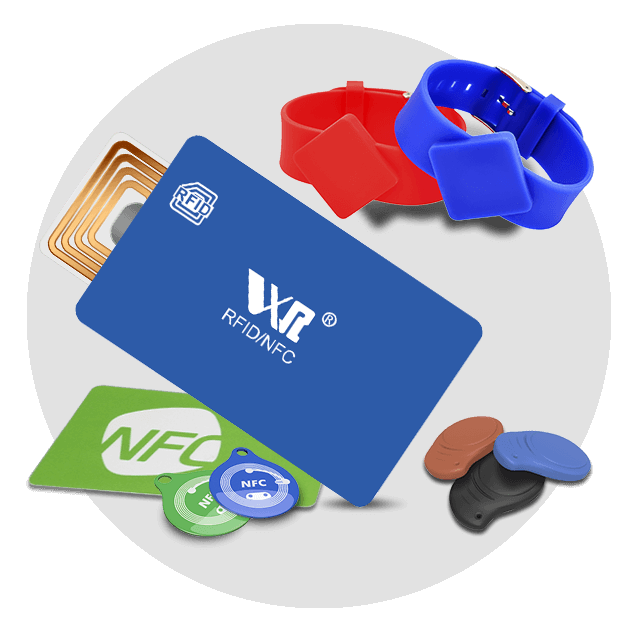
| LF 125 kHz wristbands | TK4100, EM4100, EM4305, T5577 | Fixed UID or simple rewritable ID, depending on chip |
| HF 13.56 MHz wristbands | MIFARE Classic, MIFARE Ultralight, NTAG213/215/216, DESFire | Access data, NDEF records, sector data, application data |
| UHF 860-960 MHz wristbands | EPC Gen2 / RAIN RFID chips | EPC memory, sometimes User memory, depending on chip |
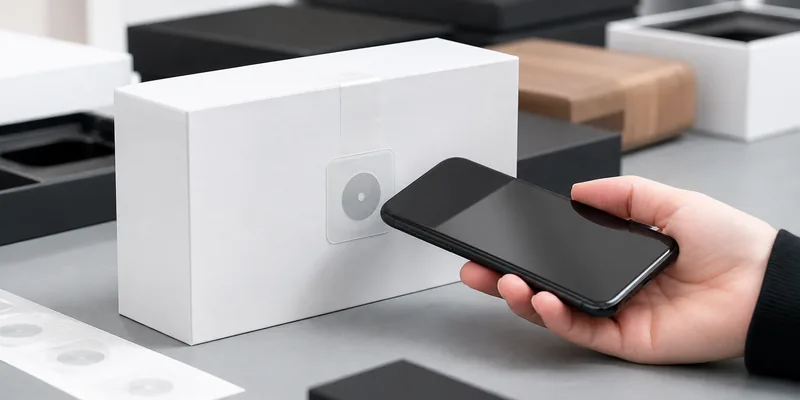
For many silicone wristband projects, HF 13.56 MHz is common because it fits access control, membership ID, event check-in, hotel or spa workflows, and NFC phone interactions. NTAG wristbands are often used for URLs or app links. MIFARE or DESFire wristbands are more common when the wristband must work with a closed access-control or payment system.
If your project needs longer read distance, review whether a UHF RFID tag format is suitable. If the project is NFC or access-control focused, start with 13.56 MHz RFID tags and confirm reader compatibility.
Step 2: Decide What Data Should Be Written
Before programming begins, decide whether the wristband will use the factory chip UID, a custom encoded value, or both. The chip UID is commonly used as a database key. Your software reads the UID and connects it to a user profile, ticket, room, locker, or membership account.
Custom encoded data is useful when the wristband must store a specific value, such as a membership number, NFC URL, access-control credential, UHF EPC number, User memory value, batch code, project code, or location code.
Avoid writing private customer data directly to the wristband unless your system, chip security, and privacy policy are designed for it. For secure access or payment, work with your system provider to define the correct chip type, keys, and authentication method.
Step 3: Prepare the Encoding File
Bulk encoding is easiest when the data is structured before production. A CSV file should contain one row per wristband. Useful columns include visual serial number, chip UID if already captured, encoded value, NDEF URL, EPC value, access group, printed QR or barcode, lock status, batch number, and packing sequence.
This file becomes the bridge between production, quality control, and your software import. If WXR pre-encodes wristbands before shipment, the same file can match printed serials, encoded values, and packing order.
Step 4: Set Up the Bulk Encoding Station
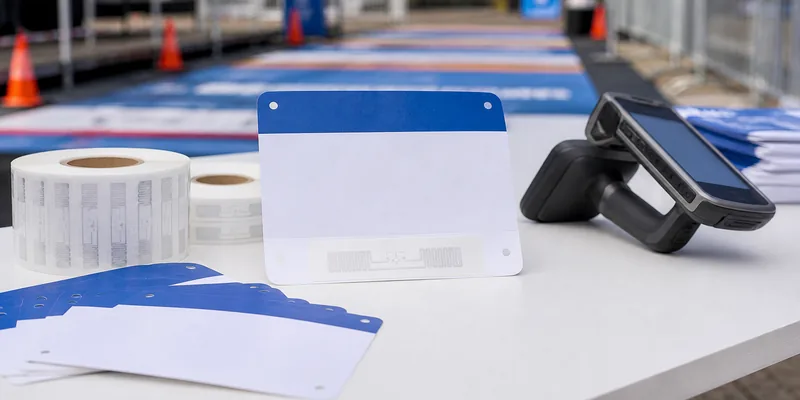
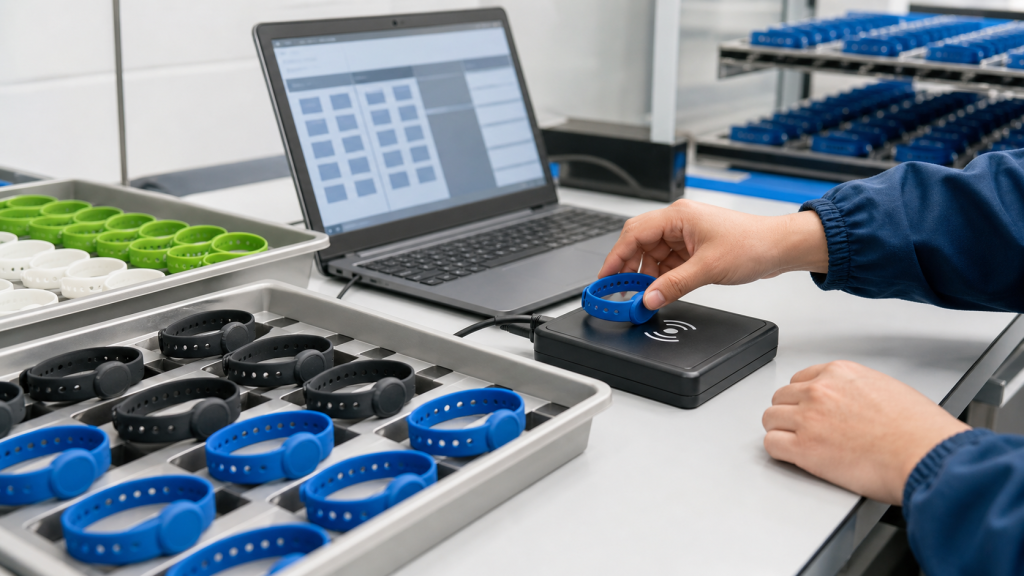
For LF and HF wristbands, use a desktop RFID or NFC reader that supports the target chip. A basic NFC writer may handle NTAG NDEF writing but may not support a secure MIFARE sector workflow. For UHF wristbands, use a UHF reader and software that can write EPC memory and verify the tag after writing.
The physical setup matters. Keep unencoded and encoded wristbands in separate trays. Present only one LF or HF wristband to the reader field at a time unless your system is designed for multi-tag handling. For UHF, control the read zone carefully because nearby tags may be detected unintentionally.
Step 5: Write, Read Back, and Verify Every Wristband
A practical workflow looks like this:
- Import the CSV file into the encoding software.
- Place one wristband on the reader or encoding fixture.
- Write the planned data to the correct memory area.
- Read the wristband back immediately.
- Compare the read-back value with the source file.
- Mark the record as passed, failed, or rewritten.
- Move the wristband to the correct output tray.
Verification is the most important part of bulk programming. A wristband that writes successfully but is mapped to the wrong printed number can still fail in the field. For printed serials, QR codes, or barcodes, verify the visual ID and encoded value together.
Step 6: Lock or Secure the Data at the Right Time
Many chips can be locked, password-protected, or configured to prevent unwanted rewriting. This is useful for event admission, cashless payment, and access-control projects, but it should happen only after sample testing.
Do not lock a full batch too early. First test the wristbands with real readers, gates, kiosks, mobile phones, POS terminals, or access-control panels. Once certain memory areas are locked, changing the data may be impossible or may require a predefined key process.
For NFC tags, confirm whether the NDEF data should remain rewritable, be soft locked, or be permanently locked. For MIFARE, confirm sector keys and access bits with the system provider. For UHF, confirm whether EPC, TID, and User memory are required. The GS1 EPC Tag Data Standard is a useful reference for EPC-based structures.
Step 7: Run Quality Control Before Shipment
Quality control should include sample inspection for color, size, logo printing, and silicone finish; reader compatibility testing; data read-back checks; duplicate-value checks; lock-status checks; and packing checks by serial number, color, or batch.
For high-risk projects, 100% electronic verification is recommended, especially when the wristband is linked to payment, personal access, paid tickets, or guest identity.
Common Bulk Encoding Mistakes
The most common mistake is choosing the wristband before confirming the reader system. A silicone wristband may look correct but contain the wrong chip. Other avoidable problems include assuming the UID can be changed, writing multiple wristbands at once, using duplicate CSV values, locking memory before testing, mixing batches after encoding, and skipping real-system testing.
Should You Encode In-House or Ask the Factory?
In-house encoding makes sense when you need last-minute user assignment, daily membership updates, or direct control inside your software. Factory pre-encoding is better when the data is known before production and you want wristbands delivered ready for deployment.
WXR can customize RFID wristbands with chip selection, silicone color, logo printing, UID or serial printing, QR/barcode printing, and data encoding. For projects that need controlled matching between printed numbers and encoded values, factory pre-encoding can reduce setup time and error risk.
What to Send Your RFID Wristband Supplier
To avoid delays, send your application, frequency, chip requirement, reader model, encoding format, CSV data file, printing needs, quantity, packing sequence, deadline, and lock requirement.
If you are not sure which chip fits your system, contact WXR with your reader model, application, and sample data requirement. The team can recommend a suitable wristband chip and prepare samples before mass production.
FAQ
Can RFID silicone wristbands be programmed in bulk?
Yes. RFID silicone wristbands can be programmed in bulk if the chip is writable and the encoding station uses a compatible reader, software, and verification process. Some chips are read-only, so confirm the chip type before ordering.
Can I change the UID of an RFID wristband?
Usually no. The manufacturer UID is normally fixed. Some special rewritable or clone-style chips exist, but they should be used only when the system specifically supports them and the security implications are understood.
Which chip is best for NFC wristband programming?
For simple NFC phone interactions, NTAG213, NTAG215, and NTAG216 are common options. NXP documents these as NFC Forum Type 2 Tag compatible chips with different user-memory sizes, so choose based on data length and project requirement.
How do I avoid duplicate encoded values?
Use a controlled CSV file, check for duplicates before writing, and read back every wristband after encoding. Keep the final mapping file with UID, printed serial number, encoded value, and packing sequence.
Should RFID wristbands be locked after encoding?
Locking is useful when the data should not be changed after deployment. However, lock only after sample testing, full data verification, and confirmation from the software or access-control provider.
Conclusion
The best way to encode RFID silicone wristbands in bulk is to treat encoding as a production workflow, not a manual afterthought. Confirm the chip, prepare clean data, write one controlled record at a time, verify every wristband, and lock data only after testing.
For event, gym, spa, hospital, hotel, and membership projects, WXR can help match the wristband chip, material, printing, encoding, and packing sequence to your deployment workflow. Share your reader system, data format, and quantity to request samples or a custom quote.